WRC Audit Ready
Time Attendance forIreland
Stay compliant with the Organisation of Working Time Act. Maintain accurate records of hours worked to breeze through WRC inspections.
- Organisation of Working Time Act
- WRC Inspection Reports
- Public Holiday Management
- Works with Thesaurus & BrightPay


Secure & Accurate
The End of Time Theft
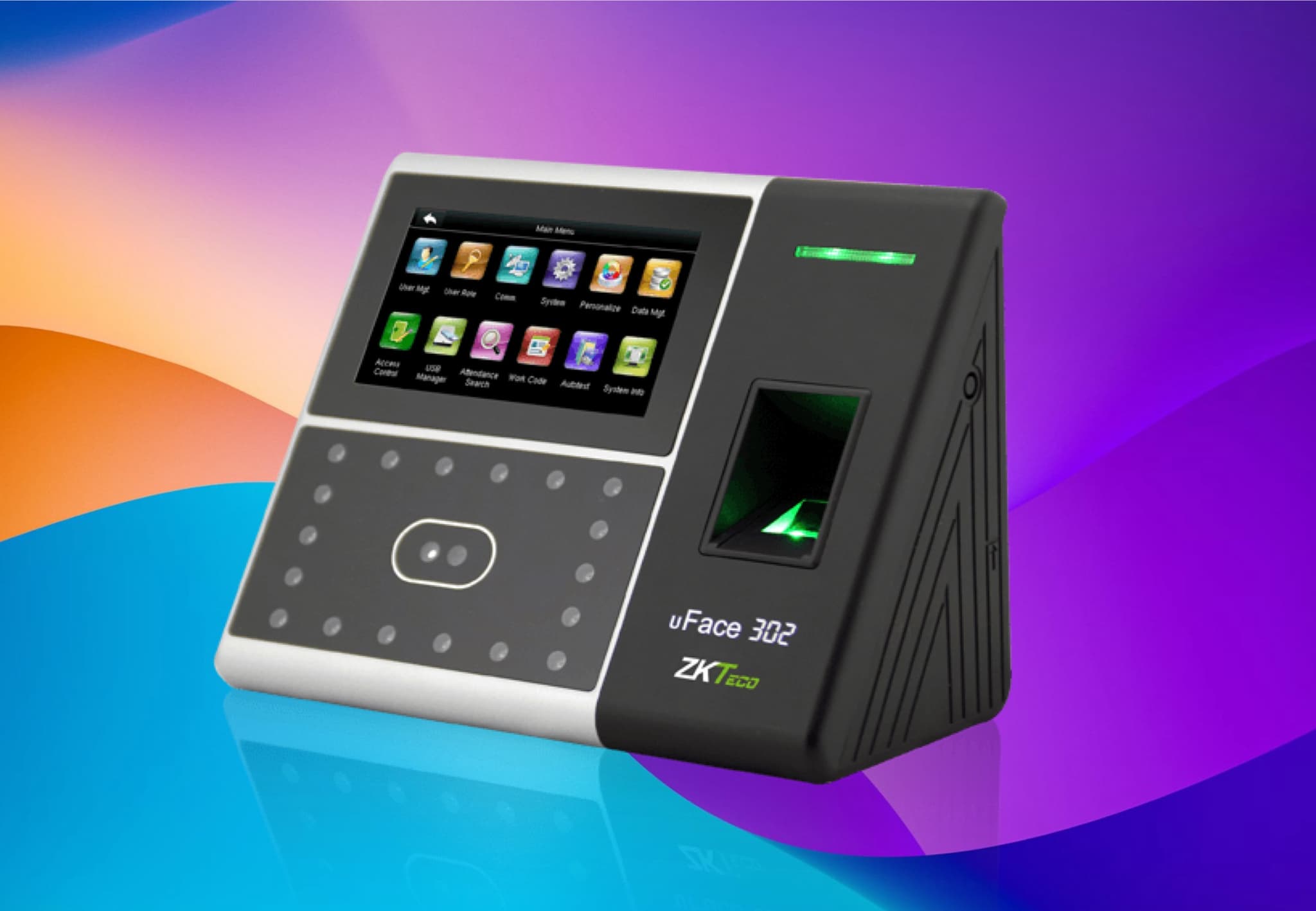
ClockIt's biometric solutions give you absolute certainty about who is clocking in and when. Say goodbye to buddy punching and ghost employees.
Facial Recognition
Instant, touchless clock-ins with advanced facial recognition technology.
Fingerprint Scanning
Secure biometric verification using high-precision fingerprint sensors.
Eliminate Buddy Punching
Ensure the right employee is at work. Stop time theft and save payroll costs.
Real-Time Sync
Biometric data syncs instantly with the cloud for up-to-the-minute reporting.
Photo Audit Trail
Capture photos on clock-in for visual verification on every time card.
Secure & Private
Biometric data is encrypted and stored securely, ensuring employee privacy.
ADMS Server
Seamless integration with ADMS Server for centralized biometric data management.
Data Polling
Automatic data polling from biometric devices ensures support for legacy devices.
Job Codes at the Clock
Employees key a job, project or cost code at the terminal, so every punch arrives already costed to the right job.
24/7 & Overnight Shifts
Shifts that run past midnight stay whole. Set your own 24-hour shift window instead of a fixed midnight reset.
FREE Biometric Time Clock - Limited Time
Get a FREE biometric time clock device when you sign up for ClockIt with 100 users and our Yearly Plans
Touchless, Fast, and Secure
Our advanced facial recognition technology identifies employees in milliseconds. It helps in maintaining hygiene by offering a touchless experience and eliminates any possibility of buddy punching.
Lightning Fast Authentication
Employees can clock in instantly by simply looking at the device.
Works in Low Light
Infrared cameras ensure accurate identification even in dim environments.
Liveness Detection
Prevents fraud by verifying the person is real and not a photo.
Hygienic & Touchless
Ideal for medical, food service, and industrial environments where hygiene is paramount.
Versatile Authentication
Face, RFID, Fingerprint & PIN
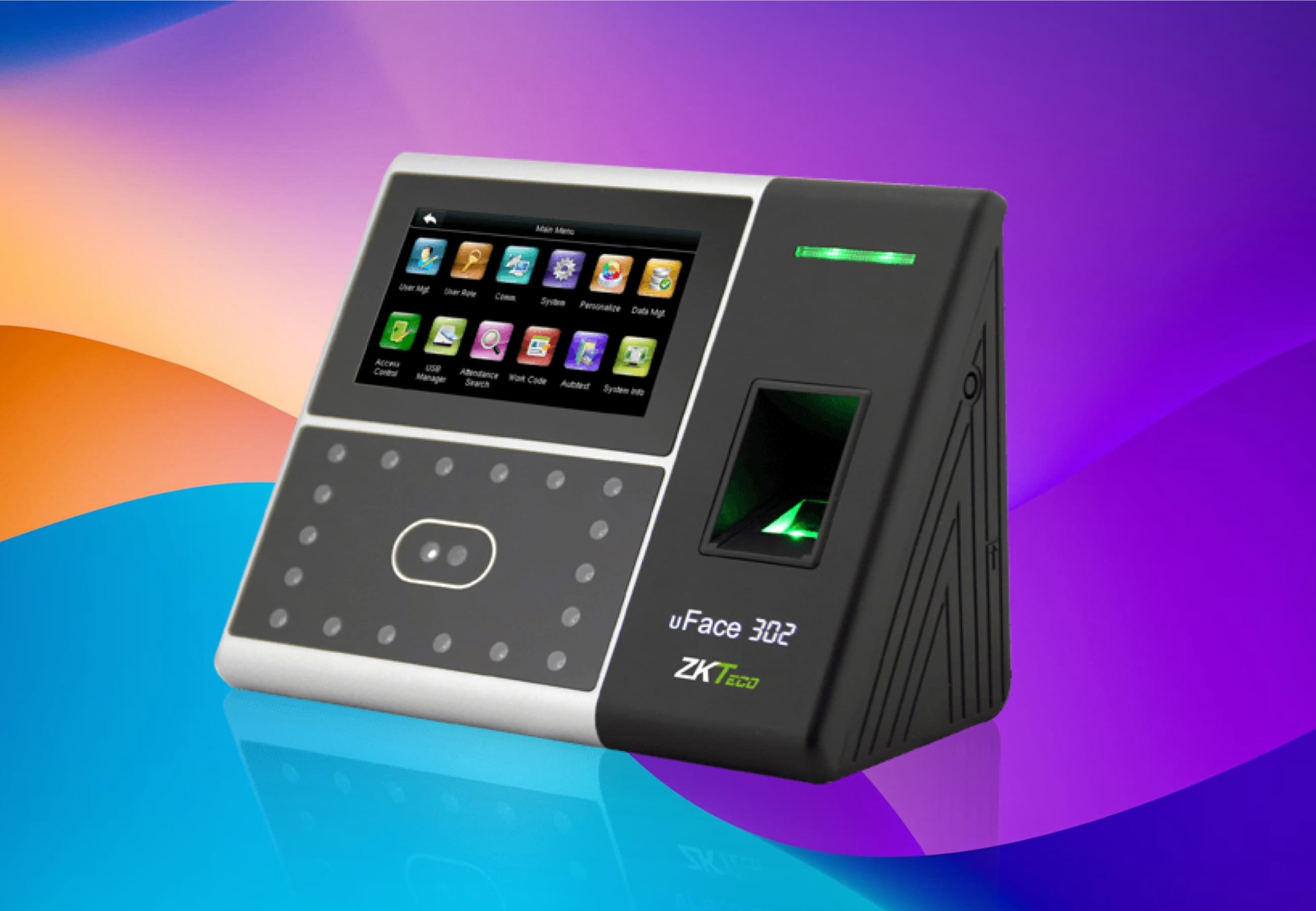
ClockIt biometric clocks support multiple authentication methods, allowing you to choose the best security level for your business. Employees can clock in using facial recognition, fingerprints, RFID cards, or PIN codes.
Reliable Biometric Verification
For environments where facial recognition isn't preferred, our fingerprint scanners provide a robust and cost-effective alternative. Proven technology that ensures the right person is at the right place.
High-Precision Sensors
Accurately reads fingerprints even if fingers are dry, wet, or rough.
Quick Setup
Enroll employees in seconds directly on the device.
Multiple Finger support
Register multiple fingers per employee to ensure they can always clock in.
The Template Never Leaves the Device
The scan is converted to an encrypted template on the terminal and stays there. ClockIt receives an employee ID and a timestamp — never a fingerprint.
Data Residency
Fingerprints and faces stay on the terminal
Most cloud time clocks answer “where is our biometric data?” with an encryption claim. ClockIt answers it with an architecture: the biometric template is created on the terminal and stored on the terminal. What travels to ClockIt over ADMS is an employee ID and a timestamp.
On the terminal
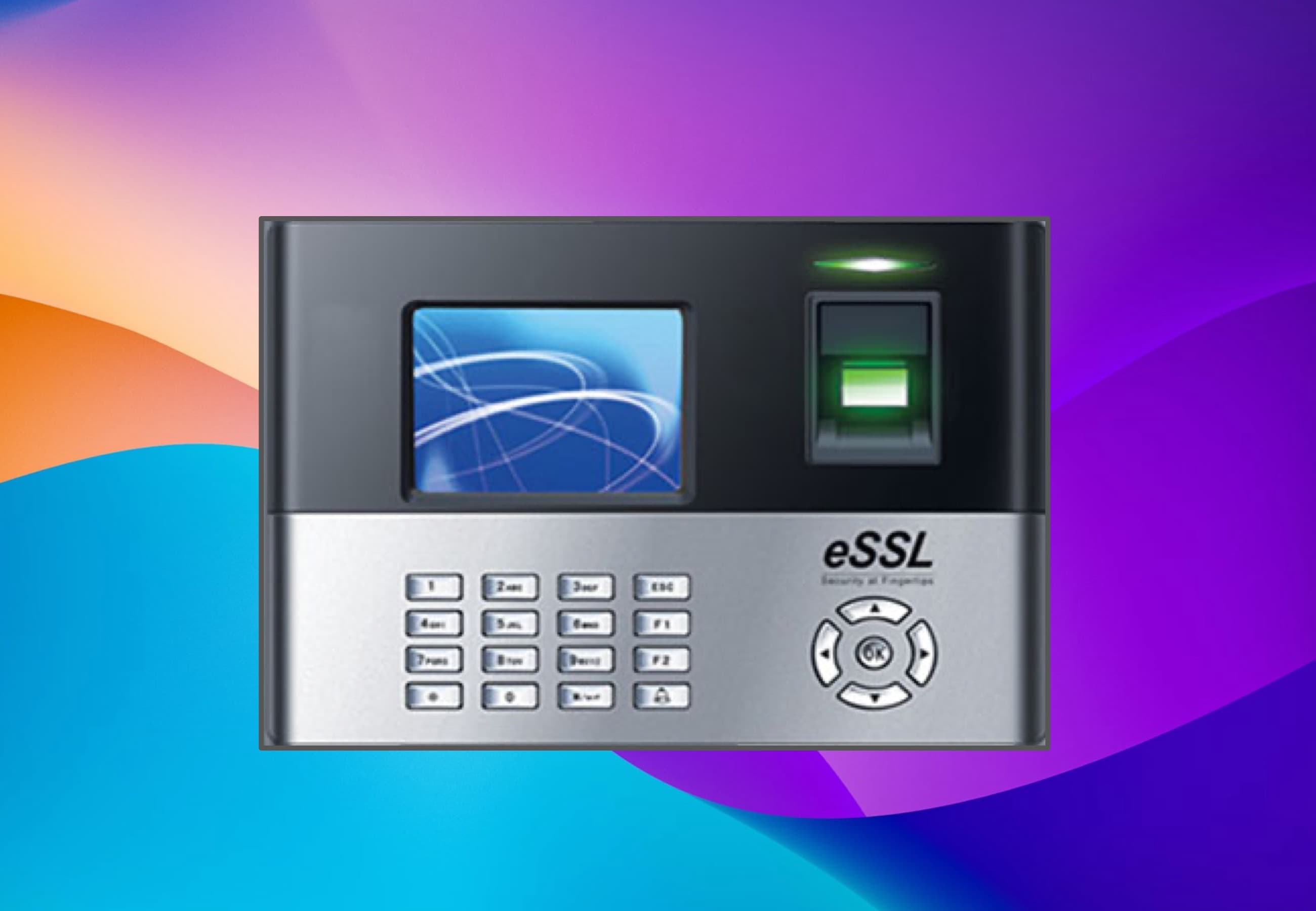
ZKTeco, eSSL or NGTeco device
- Face template
- Fingerprint template
Never transmitted
ADMS push
employee ID + timestamp
In your ClockIt account
Attendance record
- Employee ID as enrolled on the terminal
- Date and time of the punch
- Whether it was a clock in or a clock out
- Job or cost code, where your team keys one
Enrolment happens on the terminal
An employee enrolls at the device itself. The scanner converts the finger or face to an encrypted mathematical template and writes it to the terminal's own storage. The template is never uploaded, and ClockIt has no enrolment step in the cloud for it to be uploaded to.
There is no biometric database at ClockIt to breach
Because templates never leave the terminal, a breach of ClockIt's servers exposes attendance records — IDs and timestamps — and no biometric identifiers. The same holds for a subpoena or a vendor security review: we cannot produce what we were never sent.
Deprovisioning is a device action
When someone leaves, deleting their enrolment on the terminal destroys the template outright. Their attendance history stays in ClockIt for payroll and audit, because ID-and-timestamp records are not biometric data.
Consent and retention are still yours to run
On-device storage narrows your exposure — it does not replace your obligations. Illinois BIPA and the GDPR still require written consent before enrolment and a published retention schedule, whoever holds the template. ClockIt supports PIN and RFID on the same terminal so employees who decline biometrics still have a way to clock in.
Which products this describes: on-device template storage applies to ClockIt biometric terminals connected over ADMS. The ClockIt Kiosk app for tablets works differently — it captures a photo on each punch and stores it in your ClockIt account so you can review flagged punches.
Job Codes on the Device
Attach a job code to every biometric punch
Your crews already clock in at the terminal. Now they can tell you what they are clocking in for — the job, the project or the cost code goes in at the device, and the hours arrive in ClockIt already costed.
Entered at the punch, not afterwards
The employee keys the job, project or cost code on the terminal keypad as part of clocking in or out. Depending on the model the device asks for the code right after the face or fingerprint match, or takes the code first and then verifies — either way the code travels with the punch.
Resolves to your existing projects and tasks
A code entered on the device maps to the same Projects and Tasks your team already picks in the web and mobile apps. One list, one set of reports, whether the hours came from a terminal, a phone or a browser.
Job costing and billing without a second system
Hours land against the right job automatically, so project reports, billable versus non-billable hours and client invoices come straight out of attendance. No paper job sheets to re-key at the end of the week.
Works on the terminals you already own
Job code capture runs over the same ADMS push connection as your punches, on ZKTeco, eSSL and NGTeco terminals. No firmware swap, no new hardware, no local PC.
Your Working Day Doesn't Have to End at Midnight
Most time clocks close the books at 00:00, so a 10:00 PM to 6:00 AM shift lands as two broken half-days. ClockIt lets you define what a day actually means for your business, so night shifts, rotating rosters and round-the-clock operations come out of the system whole.
Define Your Own 24-Hour Day
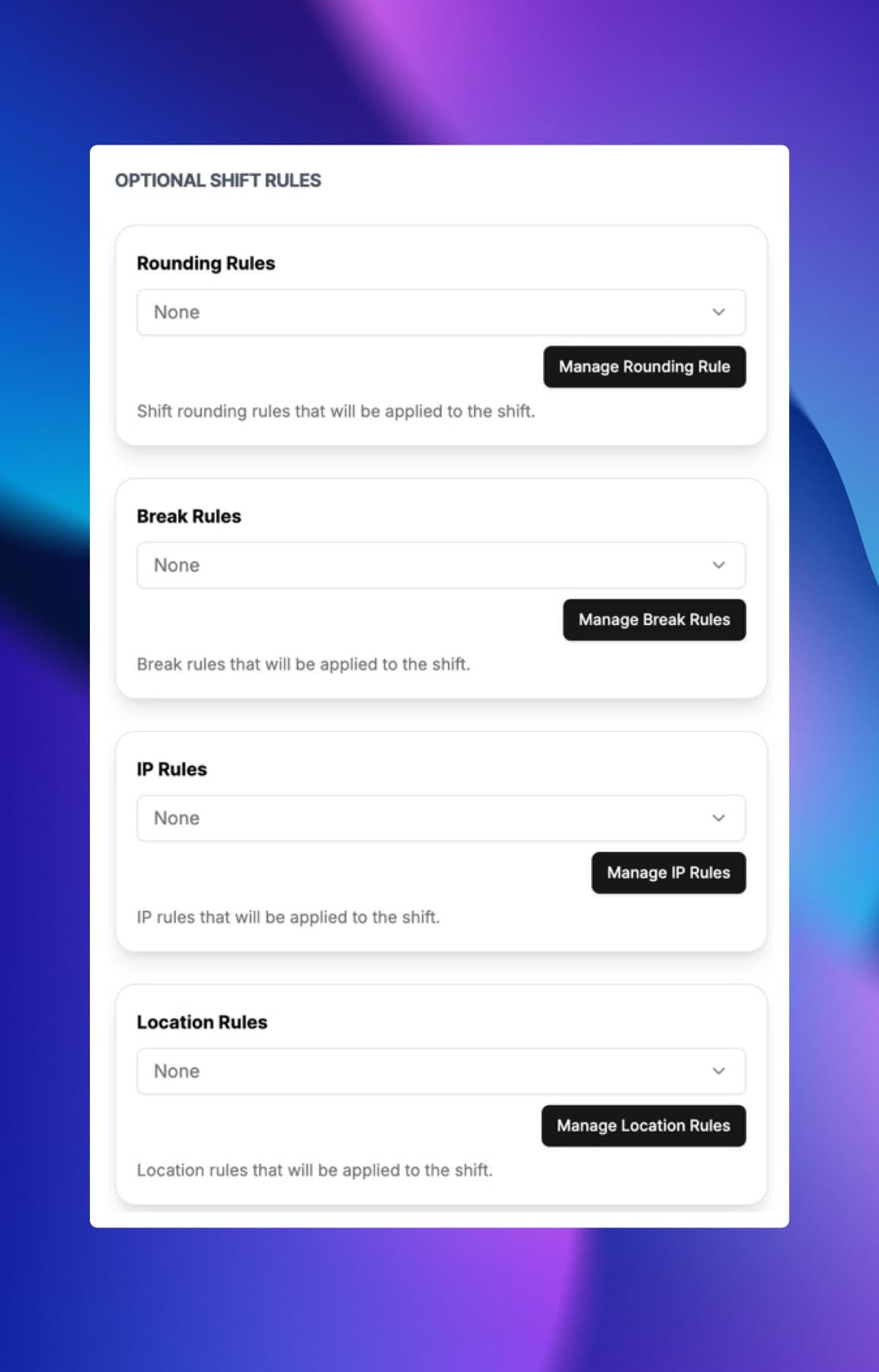
Turn on Night Shift in a time template and set the shift window — for example 7:00 PM to 6:59 PM the next day — instead of the default midnight-to-midnight. ClockIt groups every punch inside that window into a single shift.
Shifts That Cross Midnight Stay Whole
A 10:00 PM to 6:00 AM shift is recorded as one shift, not two half-days, and the hours are credited to the day the shift started.
Accurate Late, Early & Overtime at Night
Because ClockIt knows the expected IN and OUT time for the night shift, late minutes, early departures and overtime inside the shift window all calculate correctly.
Rotating & Multiple Shift Patterns
Run separate day, evening and night time templates per site and assign each employee to the one they are working — built for hotels, hospitals, security and manufacturing that never close.
The Device Never Resets Your Day
Your biometric terminal simply sends raw punches to ClockIt over ADMS. The shift window decides which day each punch belongs to, so no clock-out is orphaned at 00:00.
A Biometric Time Clock for Small Business Budgets
You don't need an enterprise contract to stop buddy punching. ClockIt starts free, plans run per-seat from $2.99, and there are two ways to add biometrics: buy a plug-and-play device from our shop, or connect the ZKTeco or eSSL device you already own — no new hardware required.
Simply connect and start tracking your employee attendance with our ADMS Cloud Server.
ClockIt's ADMS Cloud Server allows you to connect your biometric devices and start tracking employee attendance without the need for complex on-premise setups. Our cloud-based solution ensures seamless data synchronization and real-time reporting, making it easier than ever to manage your workforce.
Ethernet & Wi-Fi Connectivity
Easily connect your biometric devices to the cloud using Ethernet or Wi-Fi for real-time data access.
Supports SIM Card for Remote Locations
Ensure connectivity and data synchronization even in remote or mobile environments with SIM card support.
Online & Offline Sync
Maintain accurate attendance records with seamless online and offline data synchronization.
Multiple Device Support
Connect and manage multiple biometric devices across different locations from a single cloud platform. Employees can clock in at any device, and all data is consolidated in one place for easy management and reporting.
BYOD Support
If you have existing biometric devices, our ADMS Cloud Server can integrate with them through data polling, test your device at adms.clockit.io
Comprehensive Insights at Your Fingertips
ClockIt's biometric time clock system seamlessly integrates with our cloud platform, providing you with real-time attendance reports, analytics, and insights. Make informed decisions with accurate data.
Realtime Attendance Data
Monitor clock-ins and outs as they happen from any device.
Detailed Reports
Access comprehensive attendance and performance reports anytime.
Advanced Analytics
Gain insights into attendance patterns and employee performance.
Custom Export Options
Export attendance data in various formats for easy integration with payroll and HR systems.
Hardware + software, one vendor
Buy your biometric time clock today
Every device arrives pre-configured for ClockIt — plug it in, enroll your team, and punches sync to timesheets in real time.
Free worldwide shipping
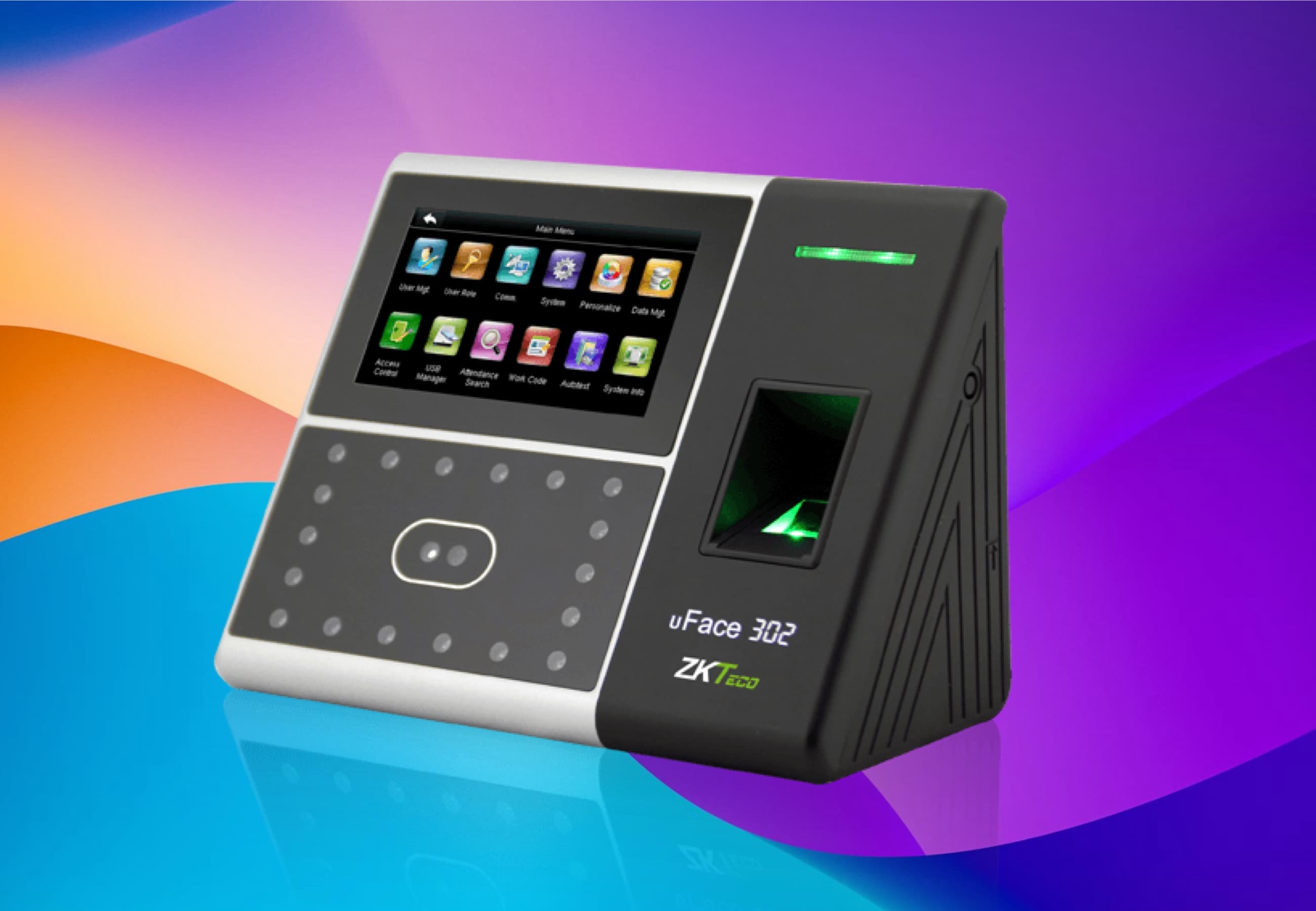
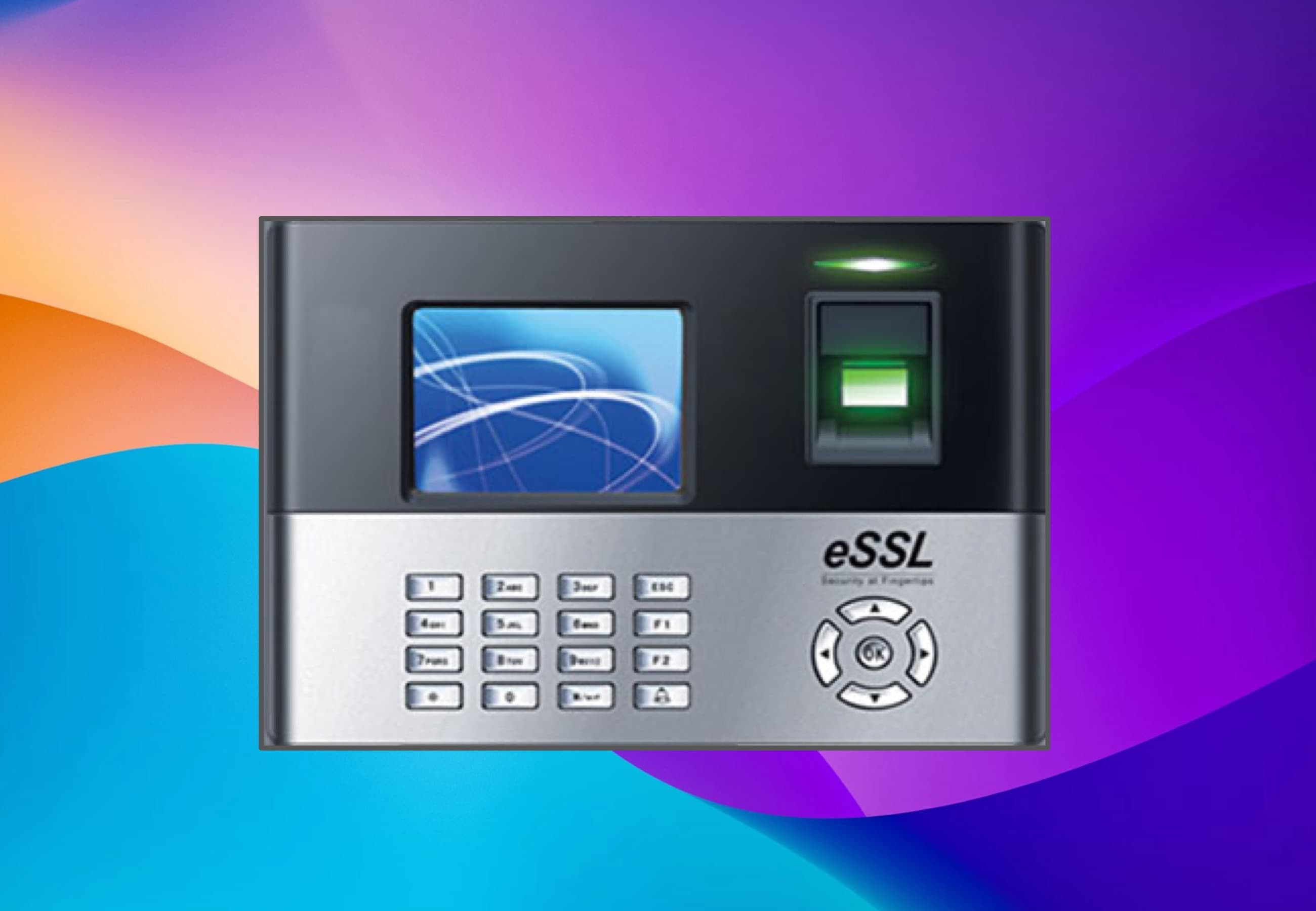
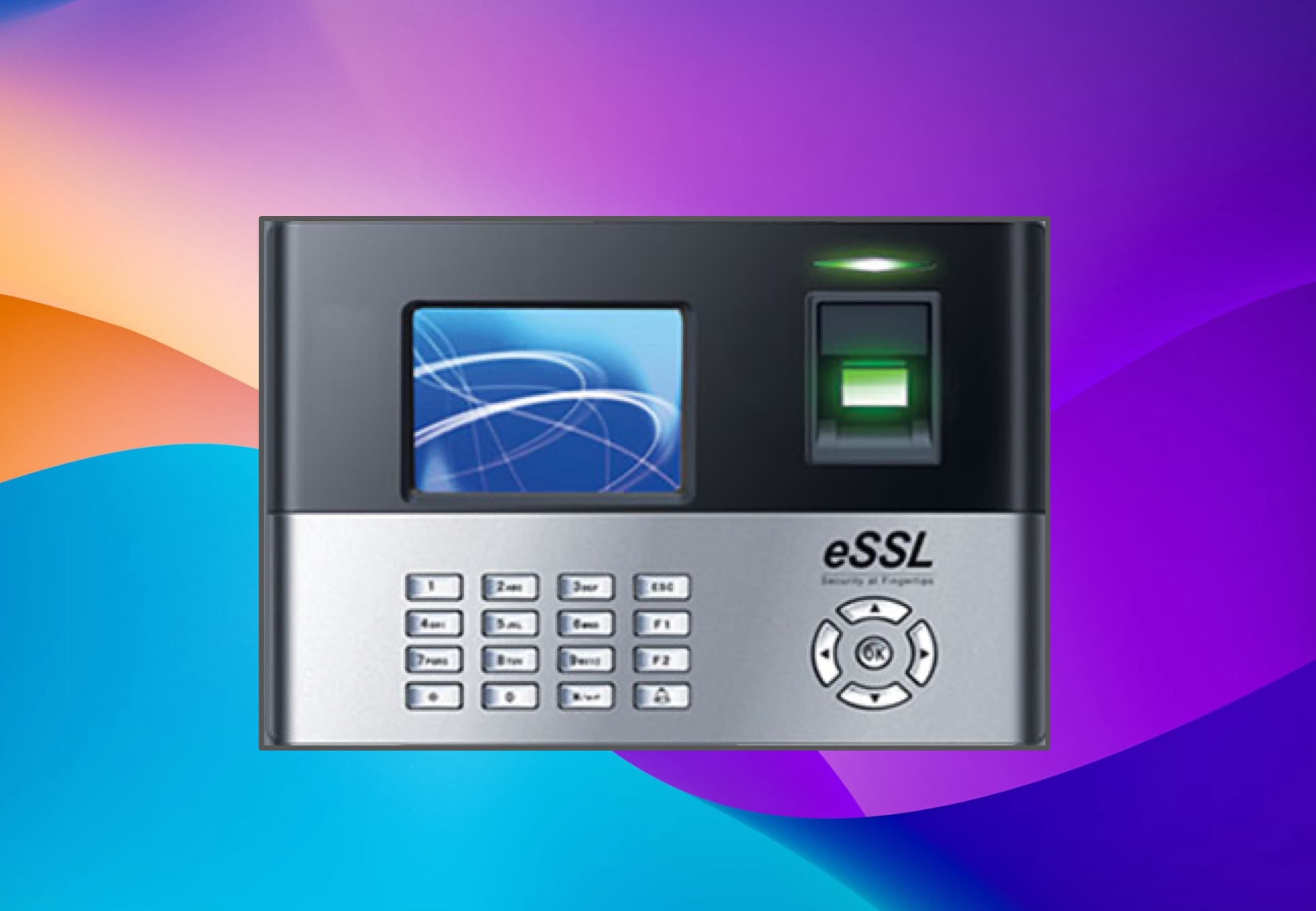
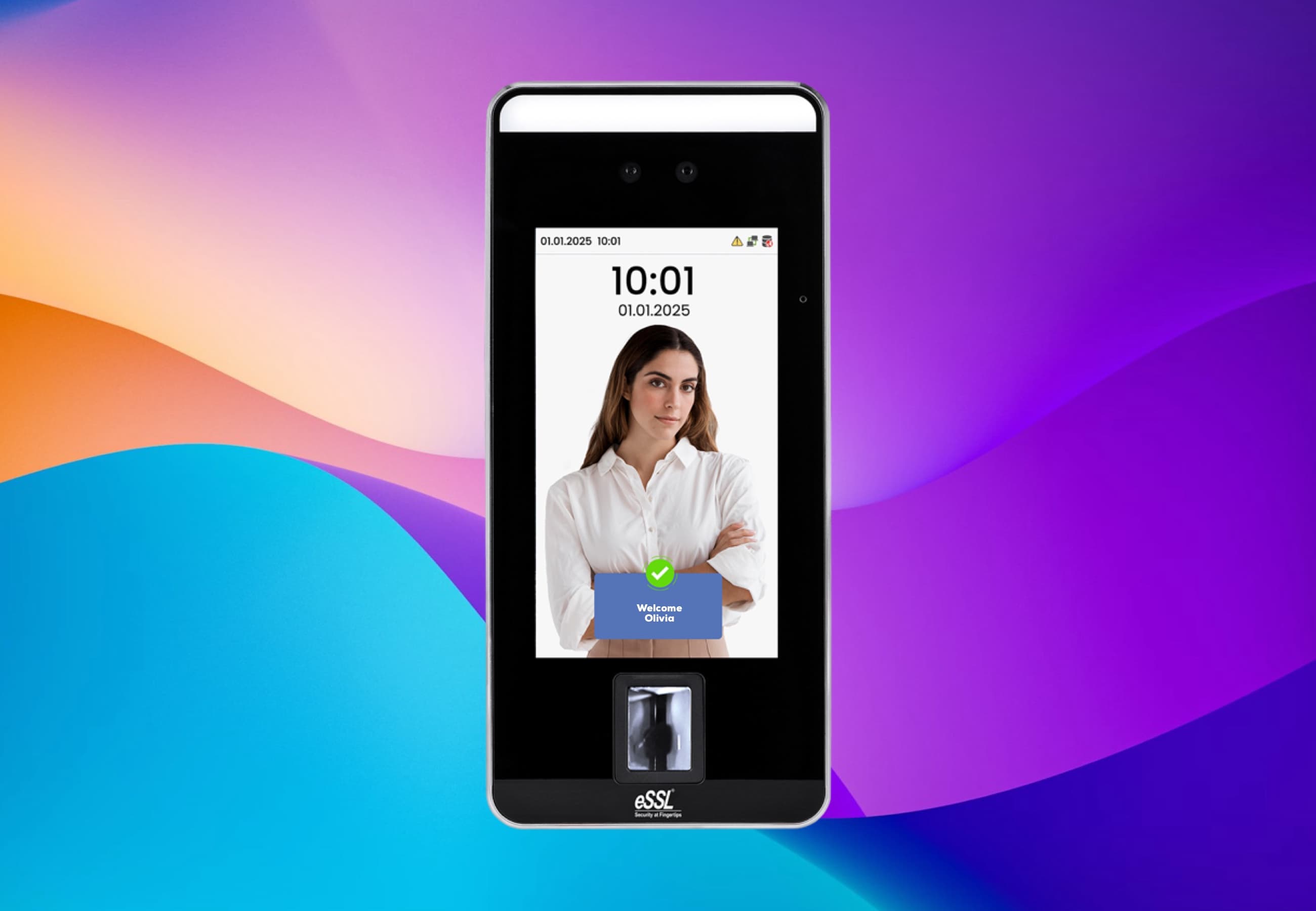
Implementing ClockIt's biometric kiosks eliminated buddy punching overnight. The facial recognition is instant and works perfectly even in our warehouse environment. It's the most secure time tracking decision we've made.
Frequently asked questions
Have a different question and can't find the answer you're looking for? Reach out to our support team by sending us an email and we'll get back to you as soon as we can.
Biometric time clocks use unique biological traits—facial recognition or fingerprint scanning—to verify employee identity at every clock-in. This makes it impossible for one employee to clock in for another, completely eliminating buddy punching.
No. On ClockIt biometric terminals the scan is converted to an encrypted mathematical template on the device itself and stored on that device. The template is never uploaded to us, so there is no biometric database on ClockIt's servers. What the terminal sends over ADMS is an employee ID and the time of the punch. Note that the ClockIt Kiosk app for tablets works differently — it captures a photo on each punch and stores it in your account for review.
Four things: the employee ID as enrolled on the terminal, the date and time of the punch, whether it was a clock in or a clock out, and a job or cost code if your team keys one. No fingerprint image, no face image and no biometric template crosses the connection.
Fingerprints and faces are never stored as images. They are converted to encrypted binary templates that cannot be reverse-engineered back into the original scan, and on ClockIt terminals those templates stay in the device's own storage rather than being sent to the cloud. Attendance records held by ClockIt — IDs and timestamps — are encrypted in transit and at rest.
No time clock can do that on its own, and you should be sceptical of any vendor that claims otherwise. Keeping templates on the device narrows your exposure considerably, but Illinois BIPA and the GDPR still require you to obtain written consent before enrolling anyone, to tell employees what is collected and why, and to publish a retention and destruction schedule. Those obligations sit with you as the employer regardless of where the template is stored.
You delete their enrolment on the terminal, which destroys the template on the device. Their attendance history remains in ClockIt for payroll and audit purposes, because a record of employee IDs and timestamps is not biometric data. If you decommission a terminal, clear its enrolments before it leaves your premises.
Yes, and in several jurisdictions you are required to offer an alternative. The same ClockIt terminal supports PIN codes and RFID or NFC badges alongside face and fingerprint, so an employee who declines biometric enrolment can still clock in on the same device with the same attendance rules applied.
Yes. Our facial recognition devices are equipped with infrared technology that allows them to accurate identify and authenticate employees even in dimly lit environments or complete darkness.
Yes! The ClockIt mobile app includes photo verification features. While not a fingerprint scanner, it captures a photo at clock-in/out and uses GPS to verify the employee's identity and location, perfect for mobile teams.
For employees who may have difficulty with one method (e.g., worn fingerprints), our system supports multiple authentication modes. You can enable facial recognition, PIN codes, or RFID badges as alternative clock-in methods for specific users.
Our facial recognition time clocks offer a completely touchless experience. Employees simply look at the device to clock in, which eliminates contact points and reduces the spread of germs, making it ideal for healthcare and food service industries.
Absolutely. All attendance data captured by the biometric devices syncs effectively with the ClockIt cloud platform. From there, you can review timesheets and export accurate data directly to your payroll software like QuickBooks, ADP, or Xero.
For fingerprint or dedicated facial recognition, you can use our compatible biometric terminals. However, for a software-only approach, our Kiosk app on any tablet (iPad/Android) offers facial verification features without proprietary hardware.
It's split-second fast. Our advanced biometric algorithms identify and authenticate an employee in less than a second, ensuring that shift changes are smooth and don't create bottlenecks at the time clock.
Yes, ClockIt supports integration with various ADMS Server platforms. This allows you to connect your biometric time clocks seamlessly with our cloud system for centralized management and reporting.
To take advantage of our free biometric time clock offer, simply sign up for a ClockIt account with 100 users, you will also need to suscribe to our annual plan. Reach out to support and they will arrnange for the deivce to be shipped.
Yes, our biometric time clocks come preconfigured to work seamlessly with your ClockIt account. Once you receive the device, simply connect it to your network and it will automatically sync with your account for immediate use.
Yes. The terminal can ask for a job, project or cost code as part of the punch. Depending on the model the device prompts for the code straight after the face or fingerprint match, or takes the code first and then verifies the employee. Either way the code is sent to ClockIt along with the punch over ADMS, so the hours arrive already attached to the right job.
Yes. A code entered on the terminal resolves to the same Projects and Tasks employees select in the ClockIt web and mobile apps. You maintain one list, and project reports, billable versus non-billable hours and job costing include terminal punches alongside app and browser punches.
Job codes are captured on ZKTeco, eSSL and NGTeco terminals connected to ClockIt over ADMS push. It uses the connection your device already has, so there is no firmware change, no extra hardware and no local PC — a keypad on the terminal is all that is required.
Yes. Because each punch carries its job code, ClockIt totals hours per project and per task without anyone re-keying a paper job sheet. You can mark hours billable or non-billable, run project reports for costing, and export the same data to payroll or an invoice.
No. The biometric device only sends raw punches to ClockIt — it is the shift window in ClockIt that decides which day a punch belongs to. In a time template you can turn on Night Shift and set your own 24-hour window, for example 7:00 PM to 6:59 PM the next day, so an employee who clocks in at 10:00 PM and out at 6:00 AM is never split across two days.
Yes. Enable Night Shift on the time template and set the shift start and end so they span a full 24-hour window around the shift. ClockIt then groups all punches inside that window into one shift, and the work duration is credited to the day the shift started. Late minutes, early departures and overtime inside the shift are all calculated against the night shift's expected IN and OUT times.
Yes. You can create as many time templates as you need under each site — for example separate day, evening and night patterns — and assign employees to the template they are actually working, changing it as the roster rotates. Hotels, hospitals, security firms and manufacturing plants use this to run continuous round-the-clock coverage on the same biometric devices.
Biometric Time Clock Use Cases
Explore how ClockIt's biometric time clock system can be tailored to meet the unique needs of various industries and business sizes.
Biometric Time Tracking for Construction Sites
Eliminate time theft and ghost employees. Use facial recognition and GPS to ensure the right crew is on the right site.
Biometric Time Clock for Retail Stores
Manage staff attendance across all your locations. Stop buddy punching and streamline payroll with facial recognition technology.
Biometric Time Tracking for Manufacturing
Secure and efficient attendance for your factory floor. Eliminate buddy punching and track labor costs by production line.
Biometric Time Tracking for Healthcare
Touchless, hygienic, and secure. Manage doctor, nurse, and staff attendance with facial recognition technology.
Biometric Time Tracking for Warehousing
Keep your logistics moving. Fast clock-ins, accurate shift tracking, and buddy punching prevention for warehouses.
Connect Your Biometric Devices Directly to the Cloud
Leverage the power of ADMS (Automatic Data Master Server) to sync attendance data from your biometric clocks to ClockIt in real-time. No local PC required.
Already own a biometric device?
ClockIt connects to ZKTeco and eSSL terminals over ADMS — the device pushes every punch straight to the cloud, so there is no local PC and no static IP. Pick your model for its setup guide.
ZKTeco MB20
Facial Recognition
ADMS Ready
ZKTeco UA300
Fingerprint
ADMS Ready
eSSL K30 Pro
Fingerprint
ADMS Ready
ZKTeco uFace 800
Facial Recognition
ADMS Ready
ZKTeco SpeedFace V5L
Facial Recognition
ADMS Ready
eSSL X990
Fingerprint
ADMS Ready
ZKTeco iFace 950
Facial Recognition
ADMS Ready
ZKTeco IN01-A
Fingerprint
ADMS Ready