


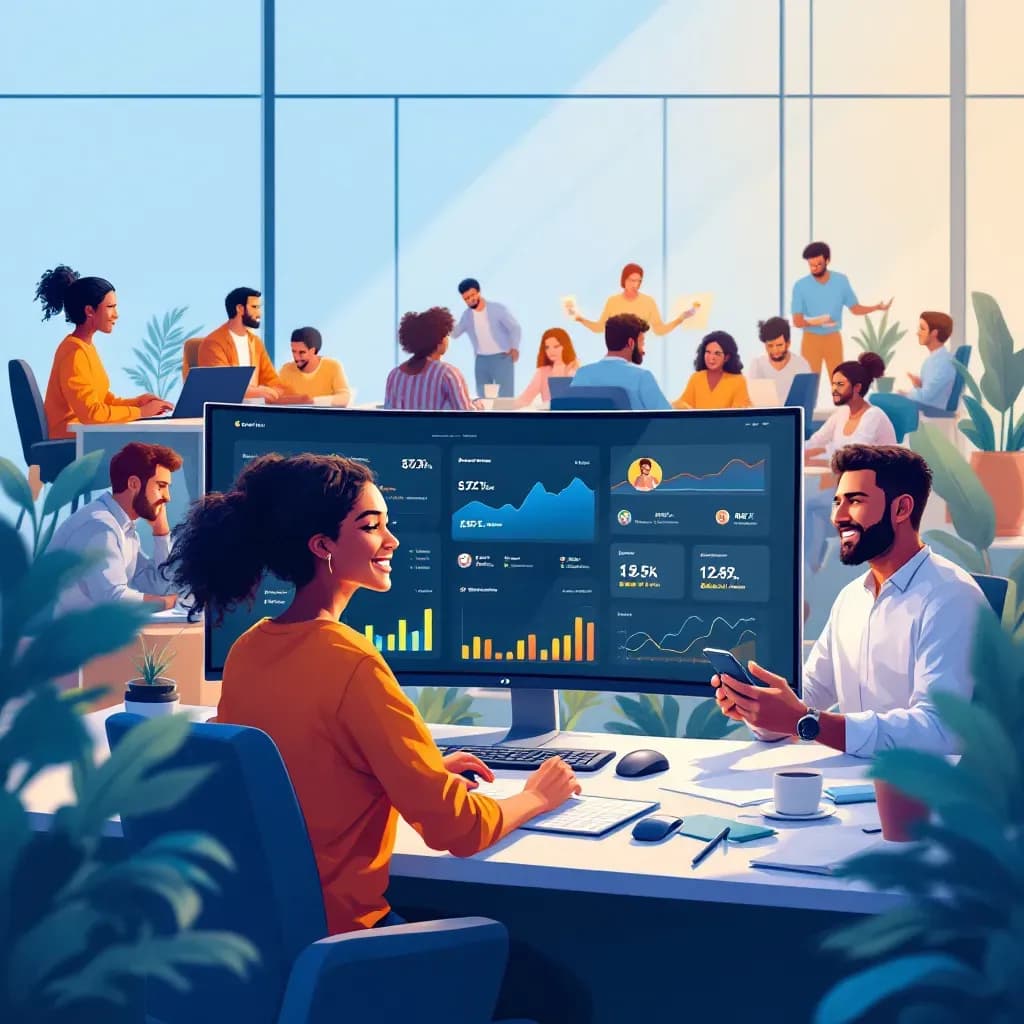
Unlock Remote Work Productivity: Top Tools for Employee Accountability
Learn how ClockIt.io's remote monitoring tools increase productivity and accountability in remote work environments.
23+ configurable notification types to keep admins, managers, and employees informed without overload.
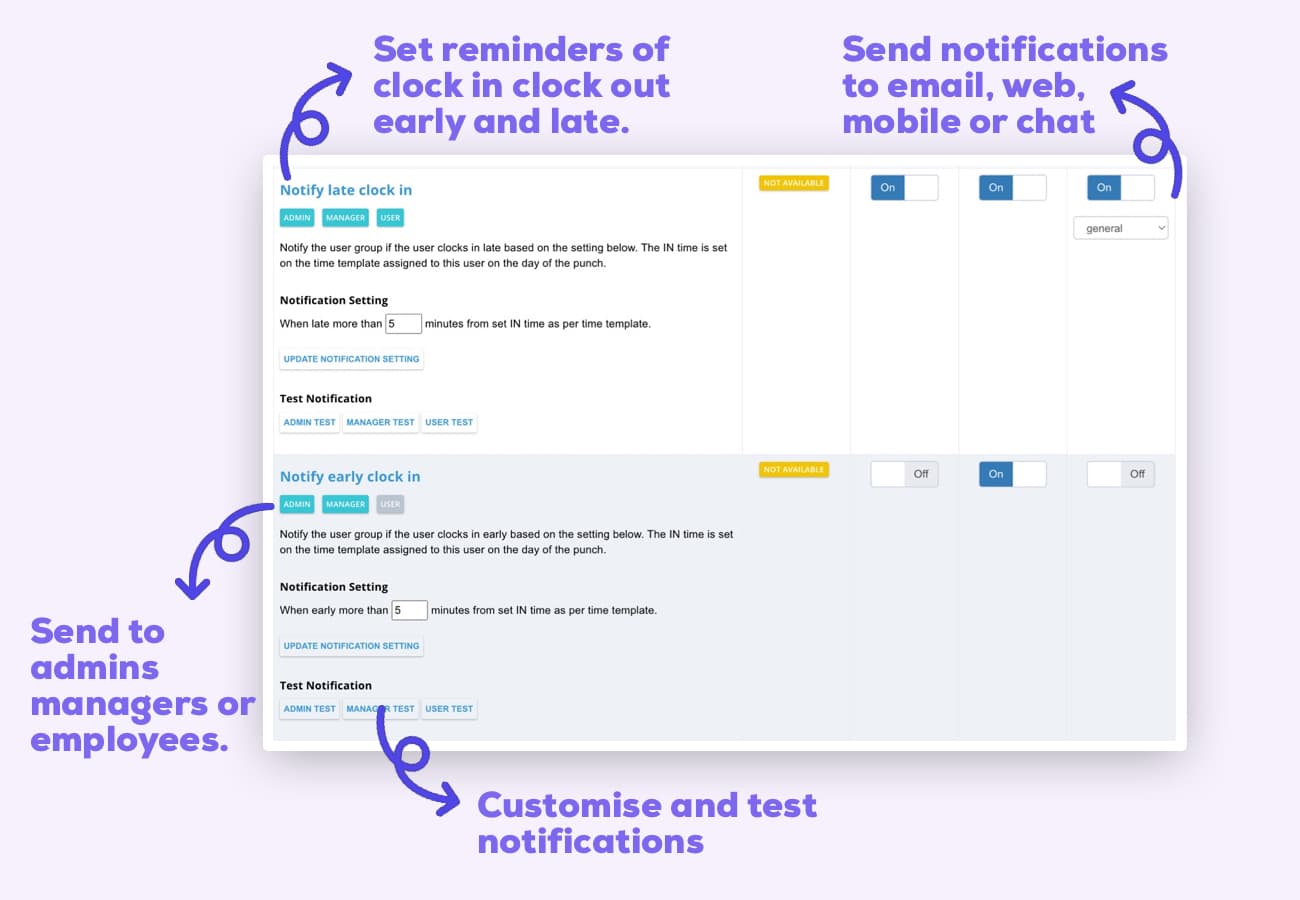
Communication gaps lead to missed punches and scheduling conflicts. ClockIt's customizable notification system keeps everyone informed with real-time alerts for time tracking events, approvals, and important deadlines.
From clock IN/OUT alerts and early/late warnings to time off approvals, correction requests, and overtime notifications — stay informed about every important time tracking event.
Configure which events trigger alerts based on your policies. Set thresholds for early/late notifications or overtime warnings tailored to your company requirements.
Control who receives each notification type — admins, managers, or employees. Define custom approval chains with targeted alerts at each step.
Receive notifications where you work: web portal, mobile apps, browser notifications, email, and integrations with Slack and Microsoft Teams.
ClockIt gives you complete control over who receives each notification type. Send critical alerts to administrators, time-sensitive reports to managers, and personal reminders directly to employees. Create custom notification rules for each role in your organization, ensuring everyone gets exactly the information they need without notification overload or communication gaps.
ClockIt's intelligent notification system prevents common time tracking issues before they become problems. Get real-time alerts for missed punches, approaching overtime thresholds, or scheduling conflicts. Proactive notifications reduce administrative work, minimize compliance risks, and ensure payroll accuracy without constant manual monitoring.
ClockIt ensures important notifications reach your team wherever they are. Configure where each type of alert is delivered based on urgency and user preference. Critical notifications can be pushed to multiple channels simultaneously, while routine updates can use less intrusive methods. Choose from web notifications, mobile push alerts, email digests, and direct integration with workplace tools like Slack and Microsoft Teams to ensure nothing falls through the cracks.
Every business has unique communication needs. ClockIt's notification system is fully configurable, allowing you to adjust alert thresholds, frequency, and escalation paths to match your company policies and workflows. Create the perfect balance between staying informed and avoiding alert fatigue.
As a small business owner, I was skeptical about implementing a new time tracking system. But this mobile app has exceeded all my expectations. It's user-friendly, reliable, and the reporting features have given me invaluable insights into our productivity.
Learn how ClockIt.io's remote monitoring tools increase productivity and accountability in remote work environments.

Discover how AI technology is revolutionizing time tracking efficiency and accuracy for modern businesses.
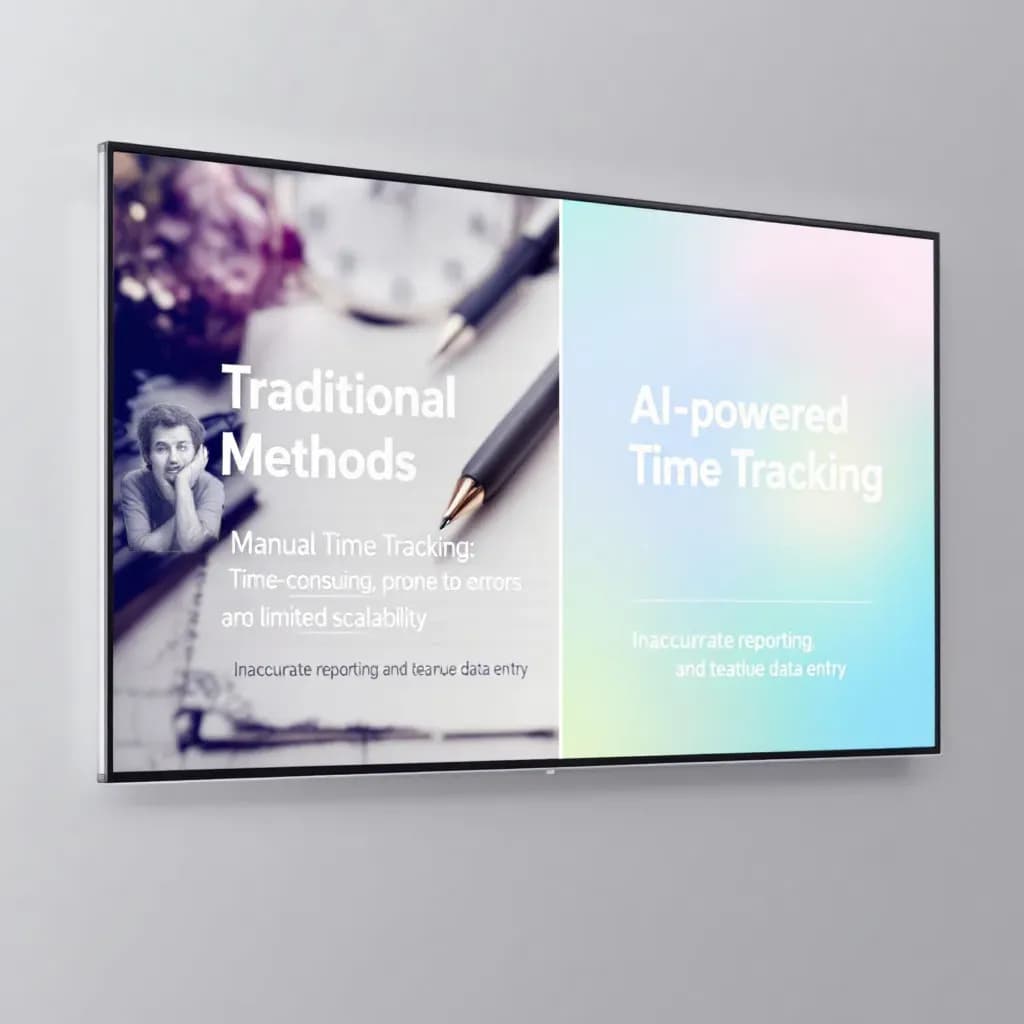
Discover how AI enhances time tracking accuracy, helping businesses optimize workforce management.
Have a different question and can't find the answer you're looking for? Reach out to our support team by sending us an email and we'll get back to you as soon as we can.
ClockIt is a time clock and time tracking system designed specifically for accurate timekeeping. Employees can clock in/out using the mobile time clock app, the online time clock (web), kiosk/punch clocks, or biometric devices. Breaks, jobs/projects, notes, and job costing are supported, and all attendance data syncs in real time to a central location.
Our time clock offers photo verification, GPS and geofencing, optional PIN, IP address restrictions for web clock, and biometric integrations to verify employees. These features help prevent buddy punching, reduce employee time theft, and keep total hours accurate for payroll and compliance.
Yes. The mobile time clock app works on iOS and Android so employees can clock in from job sites, the office, or while on the move. Offline mode lets users track time without internet and sync when back online. GPS and geofencing help ensure compliance and verify location.
Yes. The online time clock runs in any modern browser on desktop or tablet. You can allowlist IPs to limit where employees can clock in. All devices connect to the same account so data stays in sync across web, mobile, kiosk, and biometrics.
ClockIt is built for accurate timekeeping. We detect duplicate or conflicting punches, support approval workflows, and provide detailed audit logs to verify changes. Employees and managers can request and approve edits to fix errors without losing history.
Yes. Configure time and attendance rules such as daily/weekly overtime, paid/unpaid breaks, rounding, and schedules. The tracking system calculates total hours correctly and helps ensure compliance with your company policies.
Export clean attendance data (regular, overtime, breaks, job codes) to CSV or Excel, or connect to most major payroll systems and attendance software. Map pay codes and jobs to keep payroll accurate and efficient while reducing manual entry and errors.
Yes. A central dashboard shows real‑time status (who's in/out), location, devices used to clock, and total hours. Managers can approve timesheets, run reporting, verify punches, and track projects across teams and job sites from one place.
Employees can add notes to shifts, switch jobs/projects, and request edits to their time card. Managers can approve or deny changes based on your workflow, and all edits are logged for auditing and compliance.
Yes. ClockIt is a user‑friendly solution designed for small businesses and enterprises alike. Simple apps, clear workflows, and powerful features help teams track time, reduce cost, and connect attendance data to payroll without complexity.
Yes, you can assign codes to jobs, projects, or clients. Employees select the appropriate code when clocking in, allowing for detailed job costing and profitability analysis.
Yes, you can configure rounding rules (e.g., to the nearest 5, 10, or 15 minutes) to simplify payroll calculations and comply with company policies.