



Unlock Remote Work Productivity: Top Tools for Employee Accountability
Learn how ClockIt.io's remote monitoring tools increase productivity and accountability in remote work environments.
Advanced Attendance Verification
Ensure employees clock in from the right place. Create geofences, verify with photo capture, and stop time theft with location‑based verification.
Verify employee attendance with pinpoint accuracy. ClockIt's geofencing technology creates virtual boundaries around work locations, prevents buddy punching, and provides proof of presence for remote and mobile teams.
Create virtual boundaries around workplaces with customizable radius to ensure employees only clock in from authorized locations.
Capture photos at clock in/out to confirm employee identity and prevent buddy punching with facial recognition technology.
Define unlimited number of approved work locations for flexible workforces, remote teams, and businesses with multiple sites.
Restrict clock-ins to specific IP addresses or networks, ensuring employees are only accessing the system from approved networks.
View where and when employees clock in/out with real-time location data displayed on interactive maps.
Access comprehensive reports of employee location history with timestamps for complete attendance verification.
Receive instant alerts when employees attempt to clock in from unauthorized locations or outside geofenced areas.
Set GPS accuracy thresholds to accommodate different environments while maintaining reliable verification standards.
ClockIt allows you to configure geofencing and location verification settings on a per-device basis. Whether using mobile apps, web clocks, or dedicated time tracking terminals, you can enforce location rules tailored to each device type. This flexibility ensures accurate attendance tracking across various work environments and device preferences.
Centralized Device Management
Easily manage and configure location settings for all devices from a single admin dashboard.
Custom Geofencing per Device
Set up and manage geofences tailored to each device, ensuring precise location tracking and attendance verification.
Location and Geofencing per Shift or Globally
Define geofencing rules that apply globally or customize them for specific shifts to accommodate varying work locations.
Multiple Rules
Set different location verification rules for various employee groups, departments, or job roles to match your organizational structure.
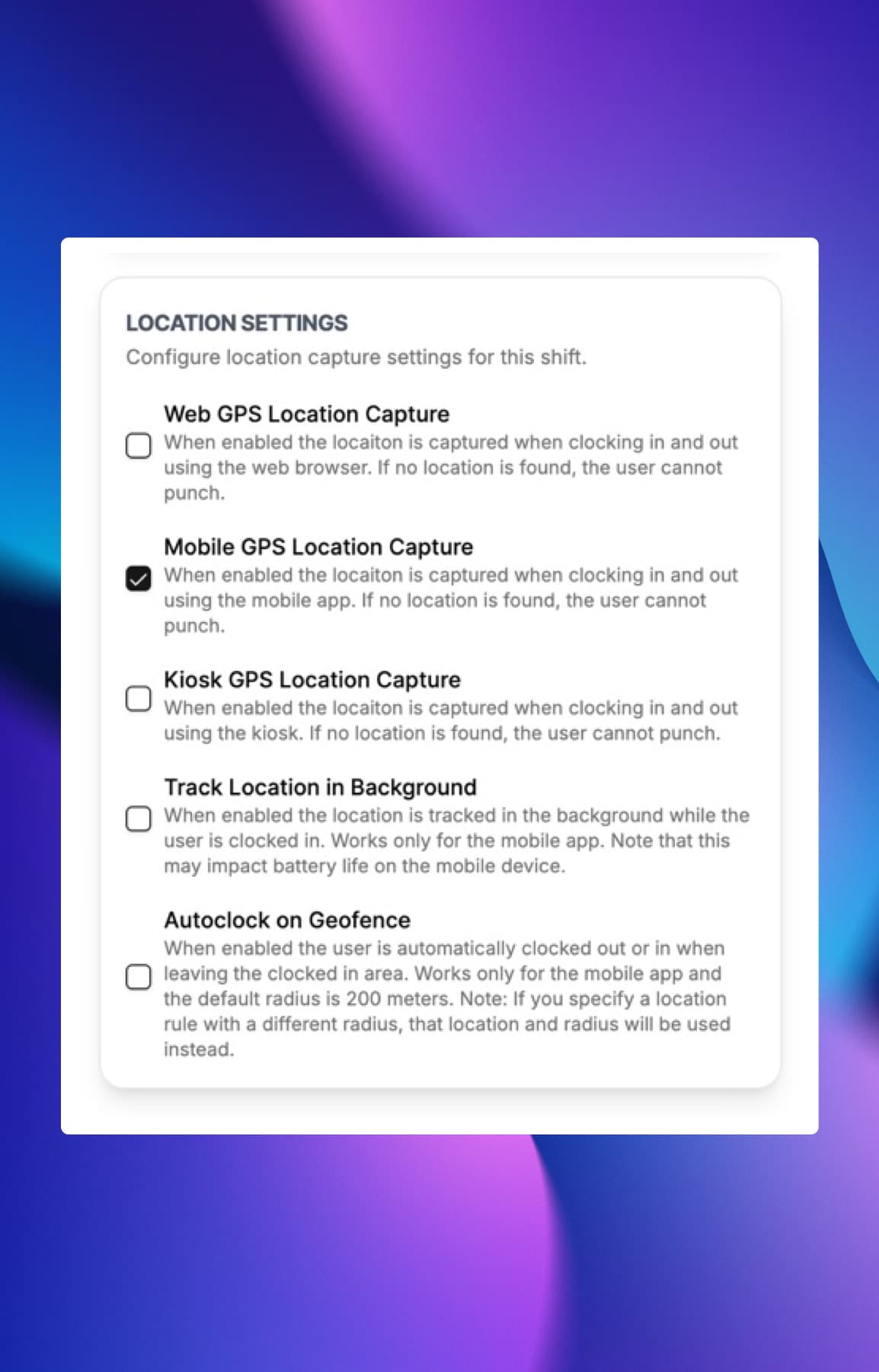
ClockIt provides the flexibility to configure location tracking and geofencing settings either globally for all employees or specifically for individual shifts. This allows businesses to adapt to varying work environments, such as remote workdays or off-site assignments, ensuring accurate attendance verification regardless of where employees are working.
Easy Location Settings
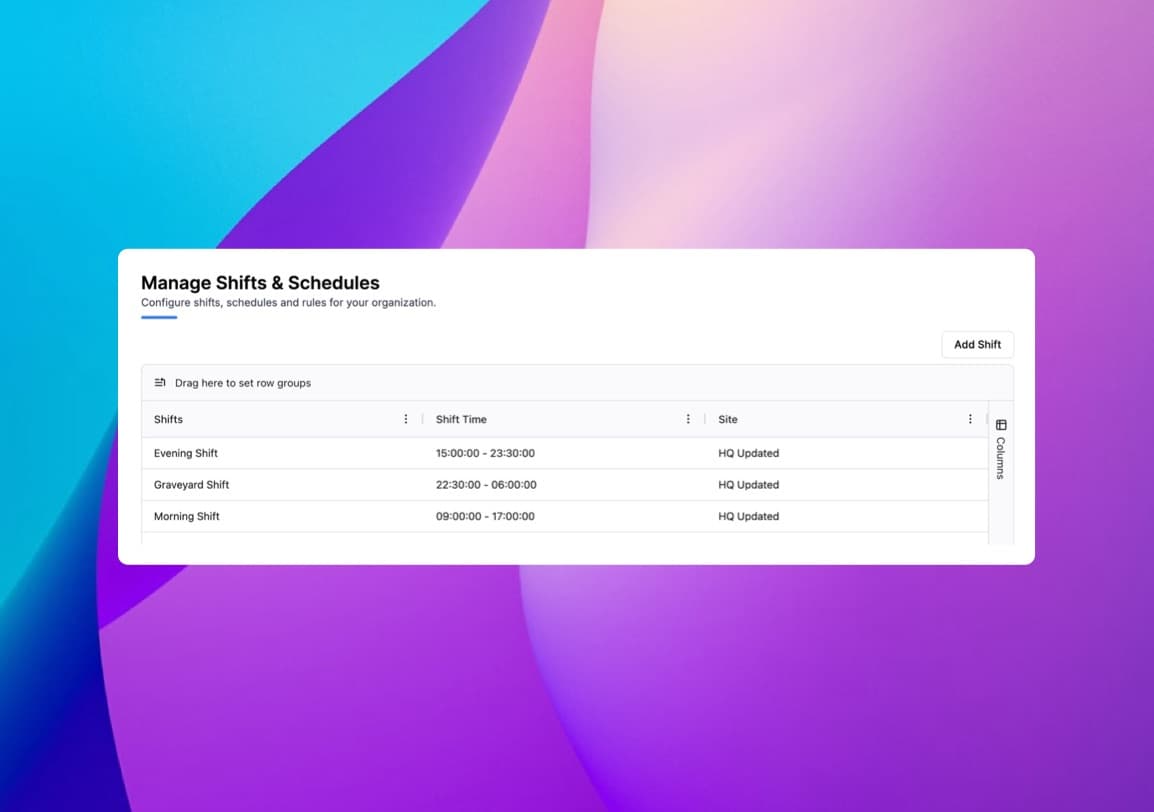
Easily manage locations and fences from the scheduler.
Permission Based Access
Control who can view and edit location settings with role-based permissions.
Group Locations
Whitelist locations into groups for easier management and assignment to employees.
Location Templates
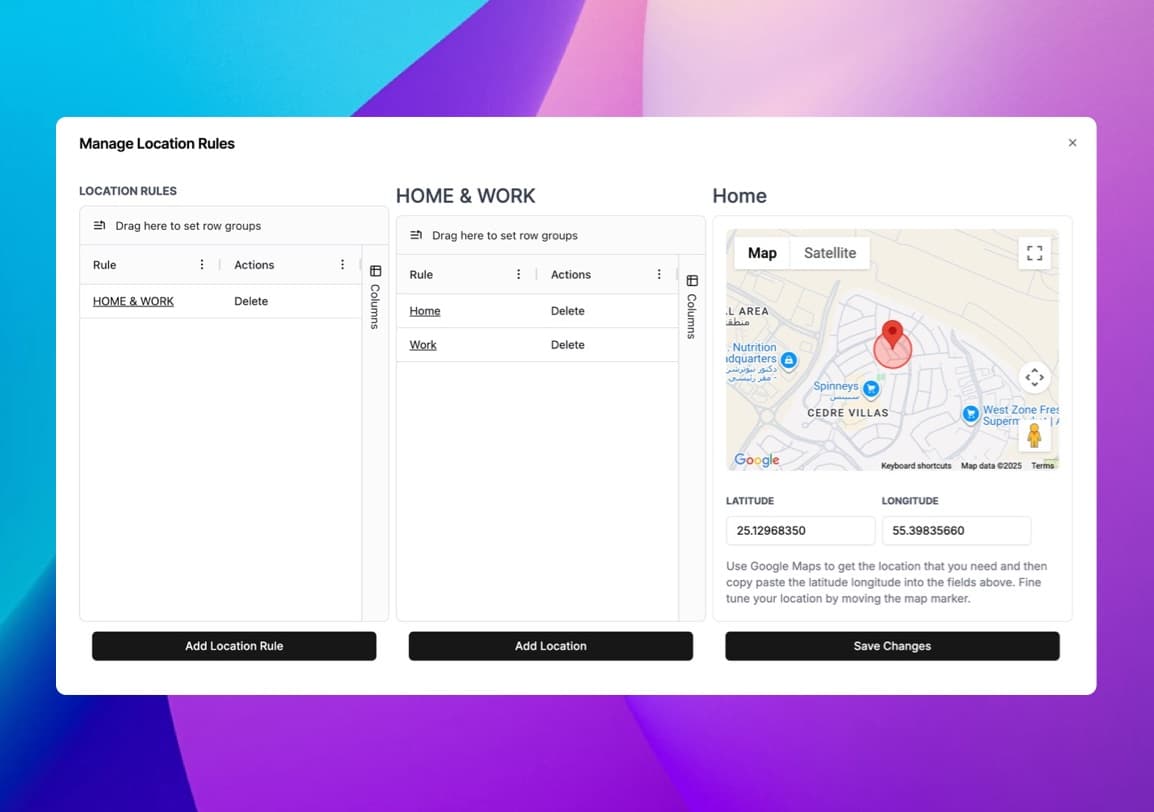
Create and reuse location templates for common work sites to streamline setup.
ClockIt enhances attendance management by providing real-time notifications for location violations and the ability to automatically clock out employees who stray outside designated geofenced areas. This feature ensures compliance with attendance policies, reduces time theft, and maintains accurate records of employee work hours.
Notifications on Violations
Receive instant alerts when employees attempt to clock in from unauthorized locations or outside geofenced areas.
Auto Clock Out
Automatically clock out employees who move outside designated geofenced areas to maintain accurate attendance records.
What we love most is the real-time data and reports, which provide clear insights into employee attendance and payroll expenses. Plus, the ease of use means less administrative burden, allowing our HR team to focus on more strategic initiatives. If you’re looking for a reliable payroll solution that enhances efficiency and accuracy, clockit.io is the perfect choice! Highly recommended!
Learn how ClockIt.io's remote monitoring tools increase productivity and accountability in remote work environments.

Discover how AI technology is revolutionizing time tracking efficiency and accuracy for modern businesses.
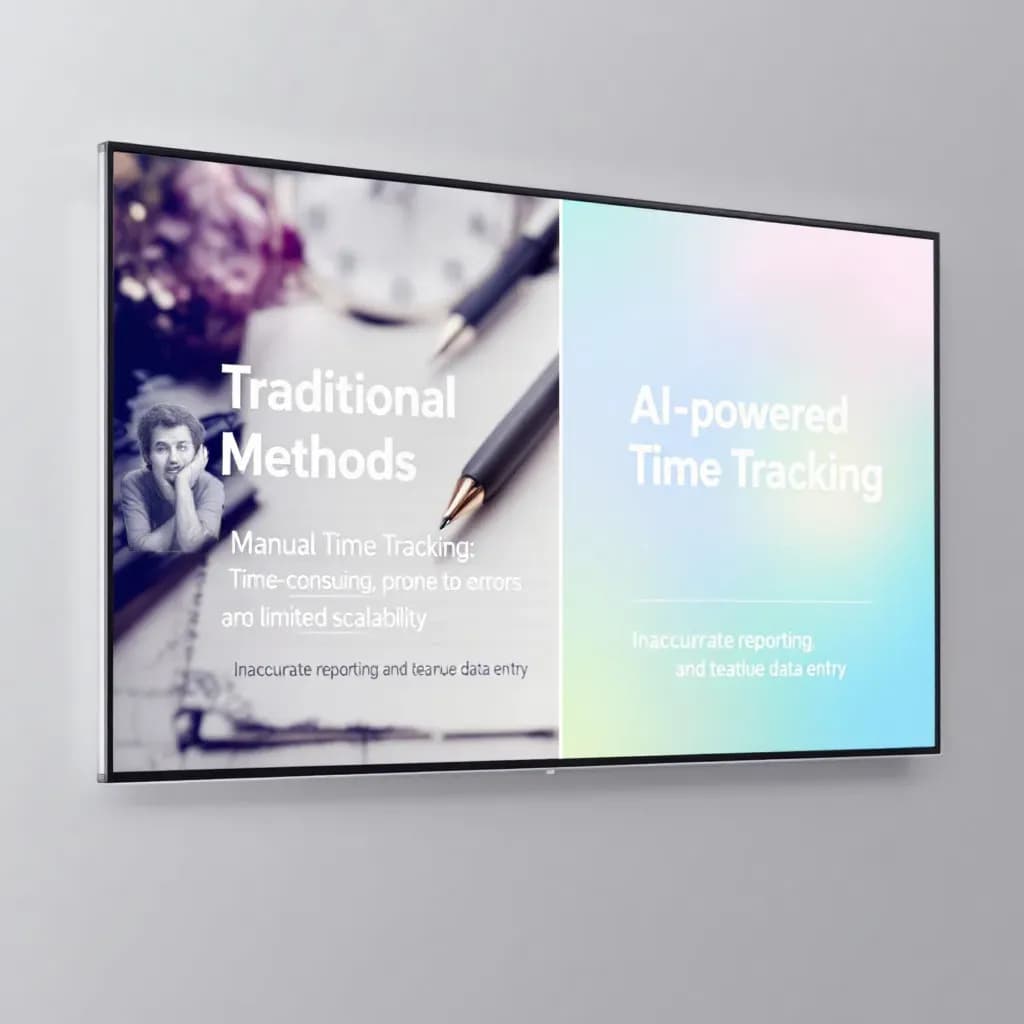
Discover how AI enhances time tracking accuracy, helping businesses optimize workforce management.
Have a different question and can't find the answer you're looking for? Reach out to our support team by sending us an email and we'll get back to you as soon as we can.
Geofencing creates a virtual boundary around a real-world geographic area. In ClockIt, you can set up these boundaries around your job sites or offices. When an employee attempts to clock in or out, the system checks their GPS location to ensure they are within the authorized area.
ClockIt is designed to respect employee privacy. We capture location data only at the time of clock in and clock out. Continuous tracking is available as an optional feature for specific use cases but is not enabled by default.
Yes, the ClockIt mobile app can capture location data even when offline. The data is stored locally on the device and synced to the cloud once an internet connection is restored.
GPS accuracy depends on the device and environment but is typically accurate within 10-50 meters. You can set accuracy thresholds in ClockIt to prevent clock-ins with poor GPS signals.
Yes, in addition to GPS geofencing, you can whitelist specific IP addresses. This is ideal for office-based employees, ensuring they can only clock in when connected to the office network.
You can configure the system to either block the clock-in attempt or allow it but flag it as a violation. Managers receive instant notifications for any location violations.
Yes, you can enable photo capture for clock-ins and clock-outs. This adds an extra layer of security by verifying the identity of the person clocking in, preventing buddy punching.
Absolutely. You can assign specific authorized locations to individual employees or teams. This is perfect for businesses with multiple job sites or mobile workforces.